Multiple people
One Kin install can host several people — each in their own fully private world, or sharing one.
Individual accounts
By default, every account is private: their own people, journal, tags, reminders, and progress, invisible to everyone else. The first account (from the setup wizard) is the instance owner and can add more people from Settings → Households & members.
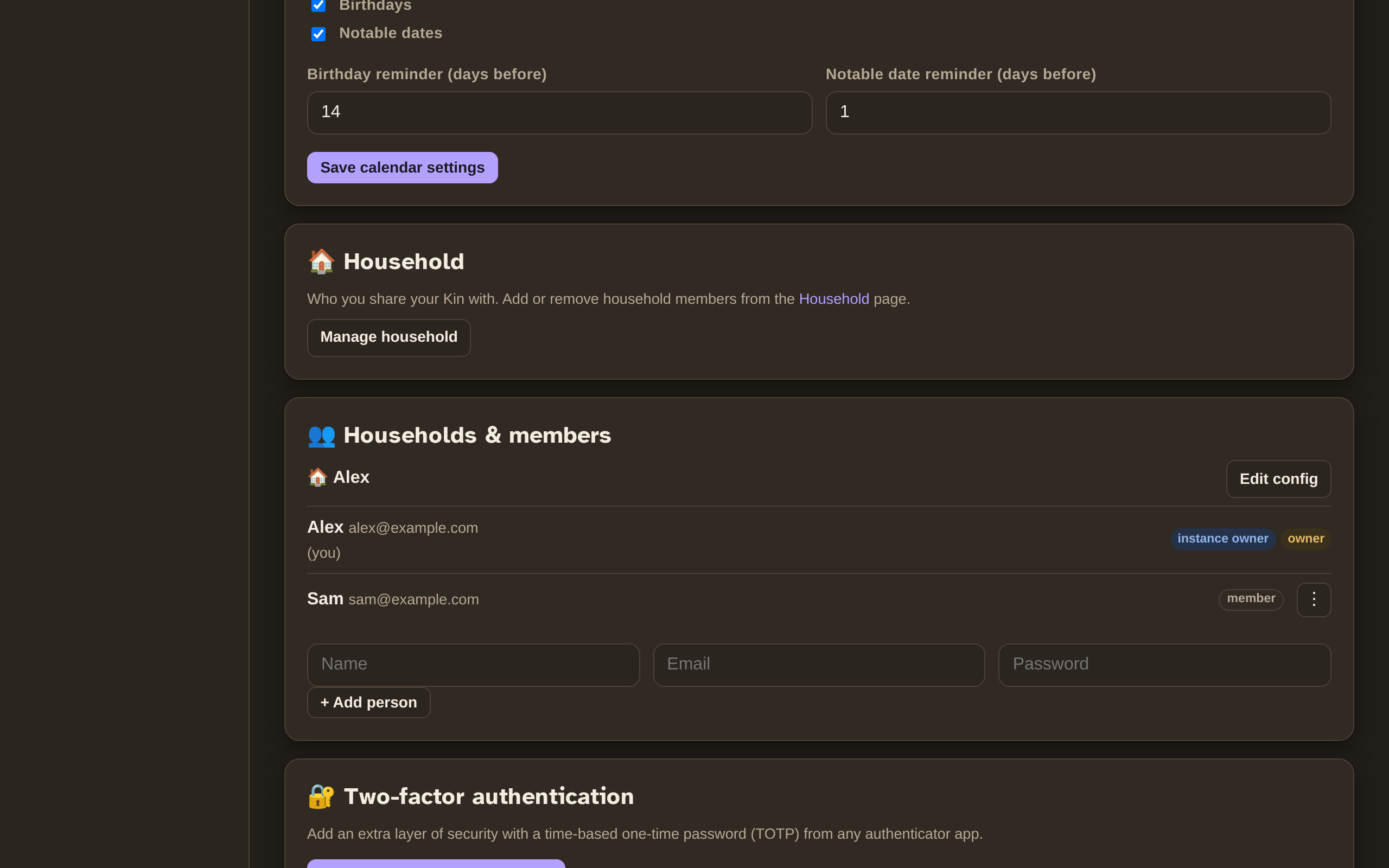
Households
Two people can opt to share one Kin — the same people, journal, photos, and reminders. This is the "couple or family" setup.
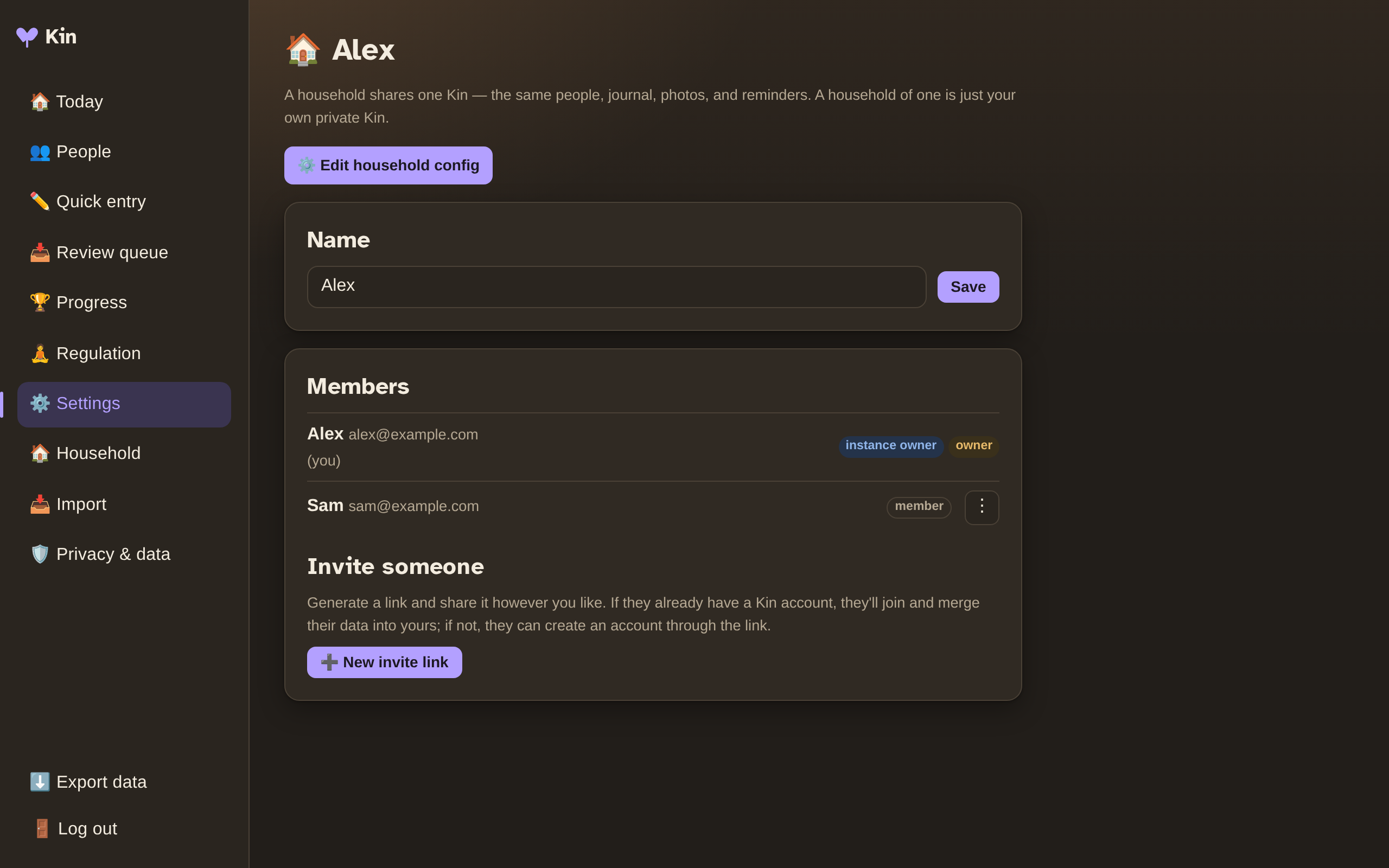
To share, open the Household page and generate an invite link. The link is single-use and expires after 7 days, and works two ways:
- They already have a Kin account? Opening the link merges their people and journal into yours.
- They don't? The link lets them register a new account straight into your household.
A household of one is just an individual account — nothing changes if you never share.
Roles
Three simple levels of control:
| Role | What they can do |
|---|---|
| Instance owner | Everything — add/remove anyone, manage any household's config, promote other owners, toggle the config lock. |
| Household owner | Manage their own household: invite/remove members, promote co-owners, edit the household's Immich/AI/voice config. |
| Member | Use the shared data and their personal preferences. |
A household can have multiple owners, and an instance can have multiple instance owners.
The "hide config" toggle
If someone you host is non-technical (or prone to tinkering), an owner can hide their config — their Immich/AI/voice settings disappear, and the owner manages them instead from Settings → Households & members → Edit config. Their personal preferences stay their own.
Where config lives
Immich, AI, and Whisper are per household — each household brings its own photo library and AI keys. The TTS voice engine, push keys, and scheduler are instance-wide (instance owner only).